







ManagerPlus | Pro

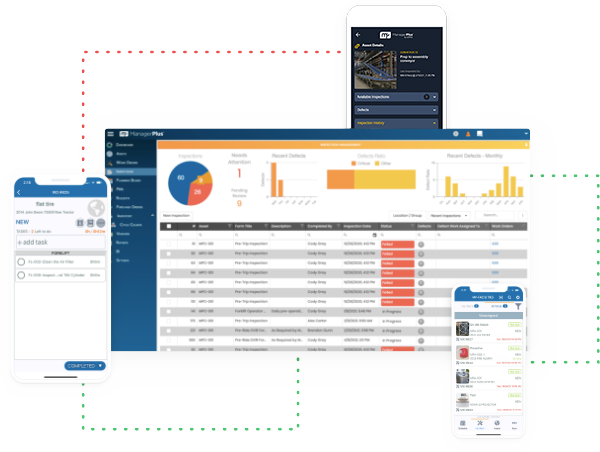
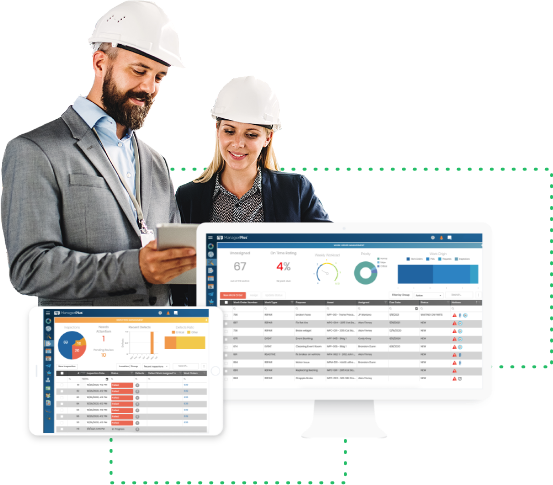
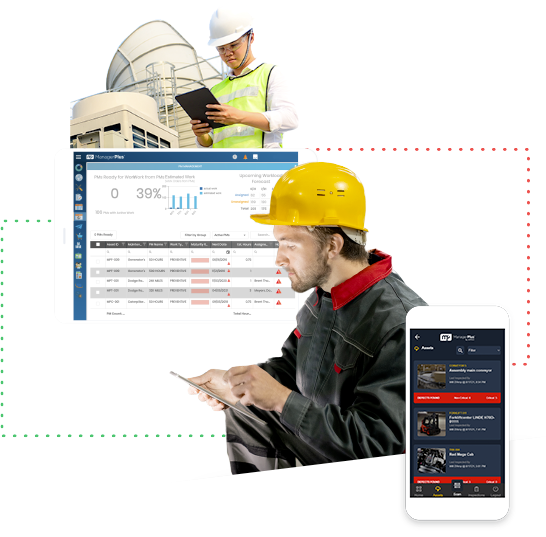
ManagerPlus Pro is a simple yet powerful product that helps small businesses manage and maintain their assets simply, and cost effectively.

With ManagerPlus Pro, move from a paper-based system to digital system that is easy to setup and use, and will pull all of your data into one centralized place.


ManagerPlus Pro Benefits

Why do 7,500 companies choose ManagerPlus? ManagerPlus is the clear leader in ease of use, yet still harnesses all the power you need to:


Screenshots

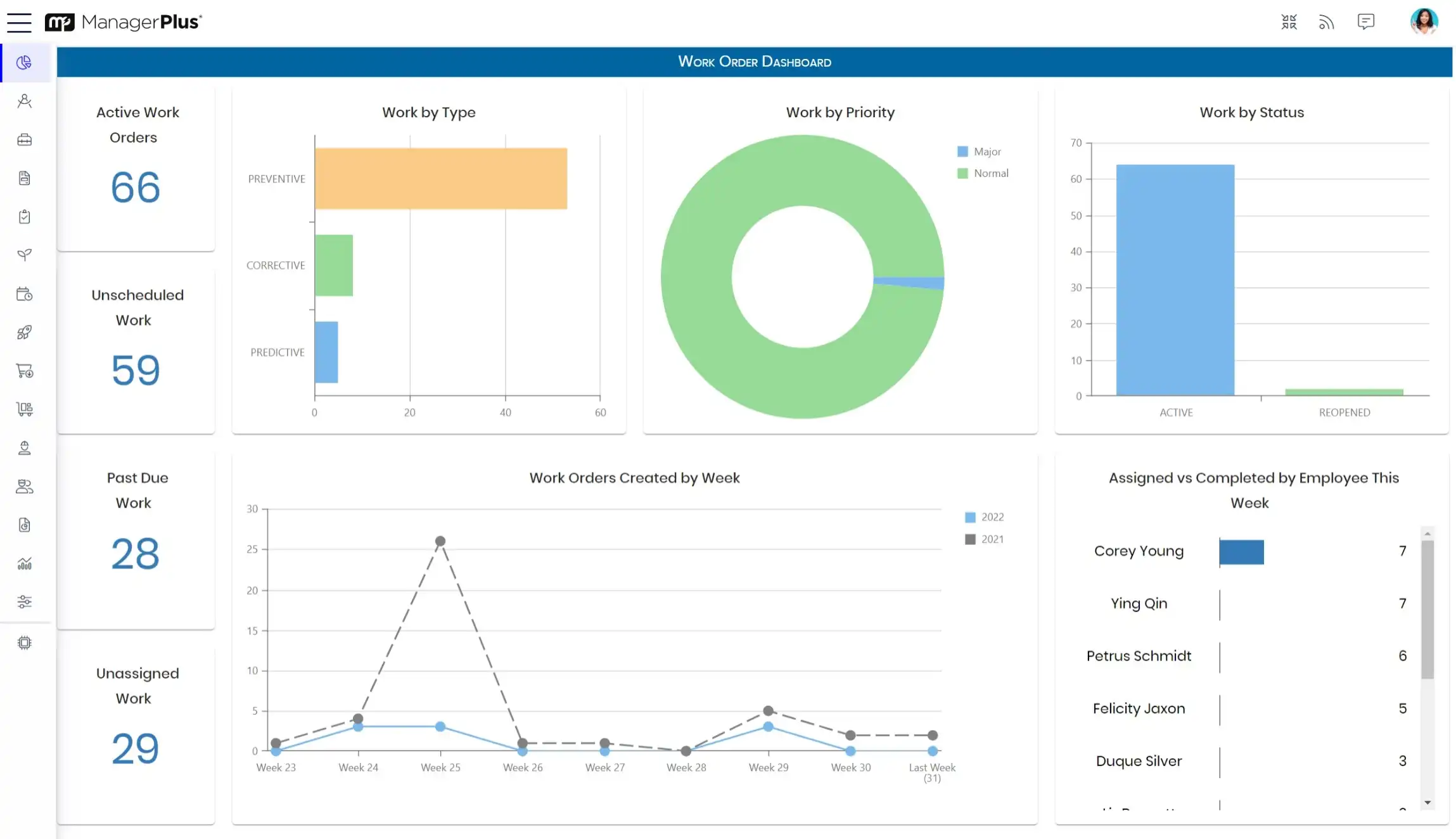
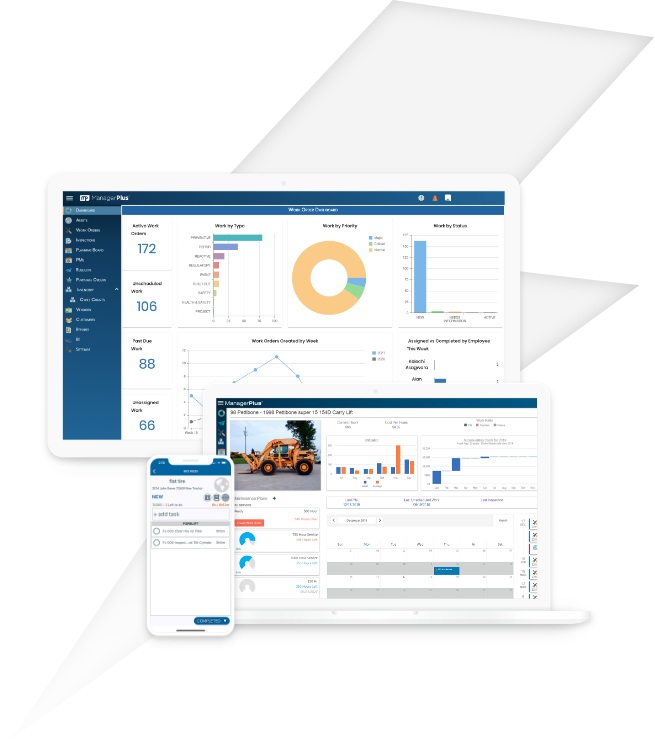
ManagerPlus Pro features an interface that is easy-to-use, and requires a short learning curve.

Intuitive Interface
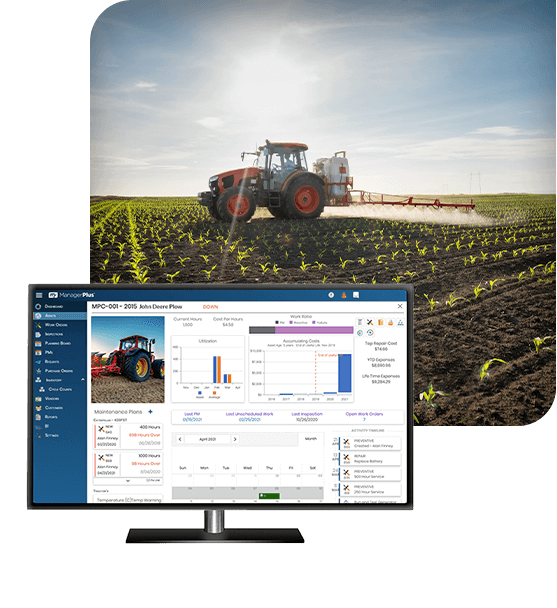
You'll be up and running in no time — assets, work orders, purchasing, and more are just a click away.

Tabbed Interface

Asset List
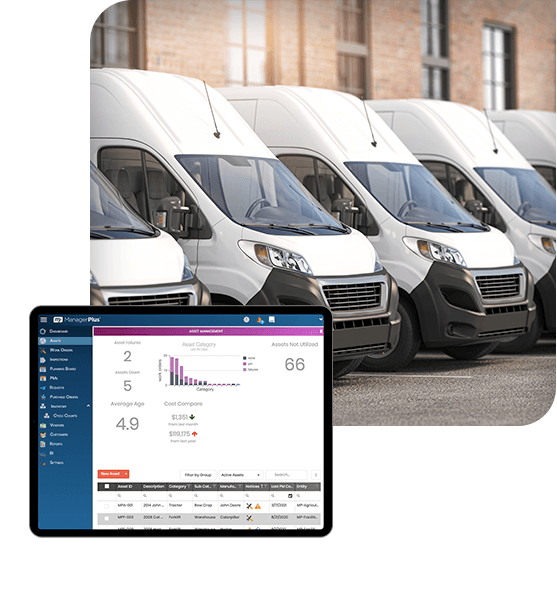
Track any asset — equipment, vehicles, facilities. Get a quick look at asset status through highlight codes.

My Screen

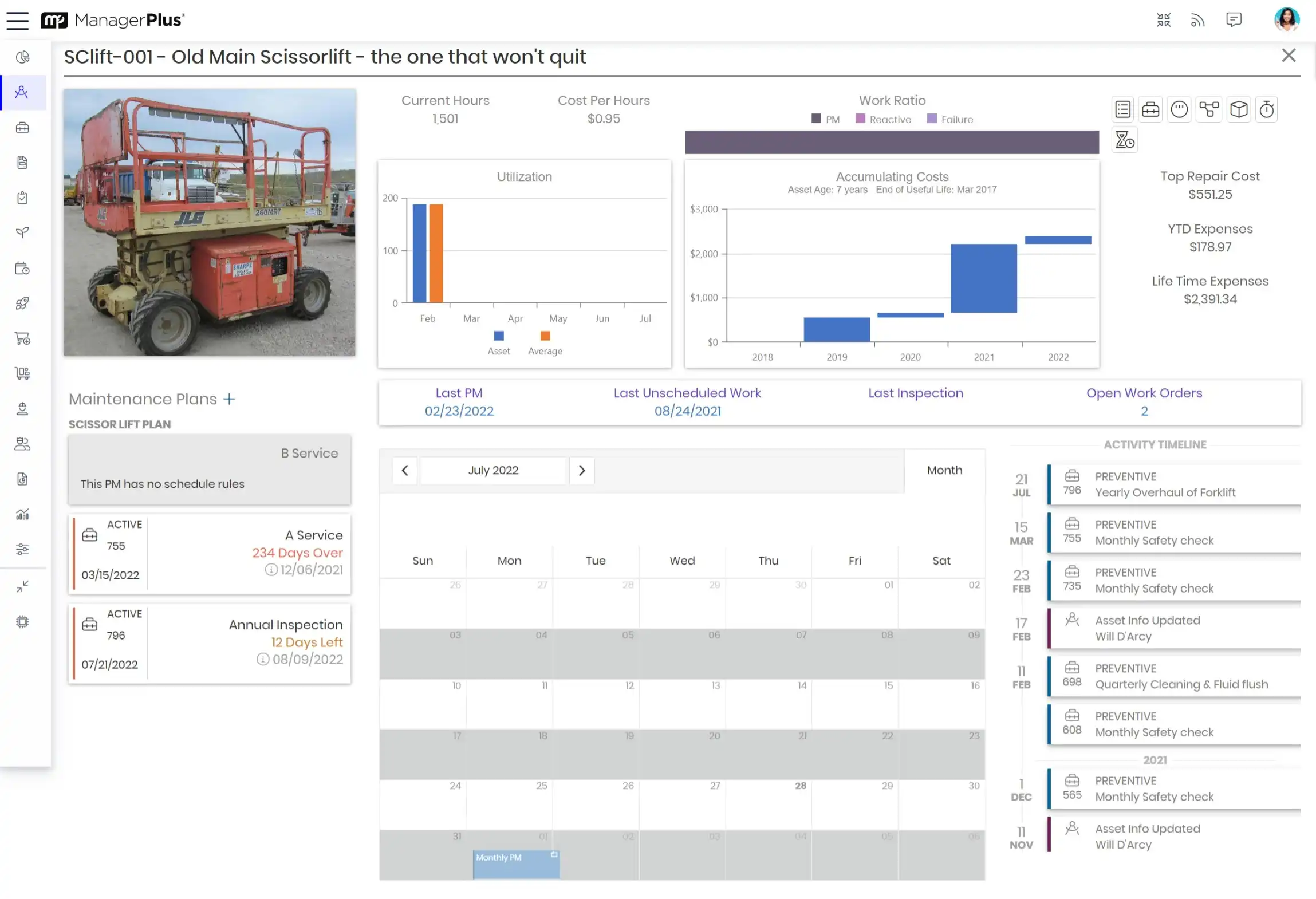
Asset Details
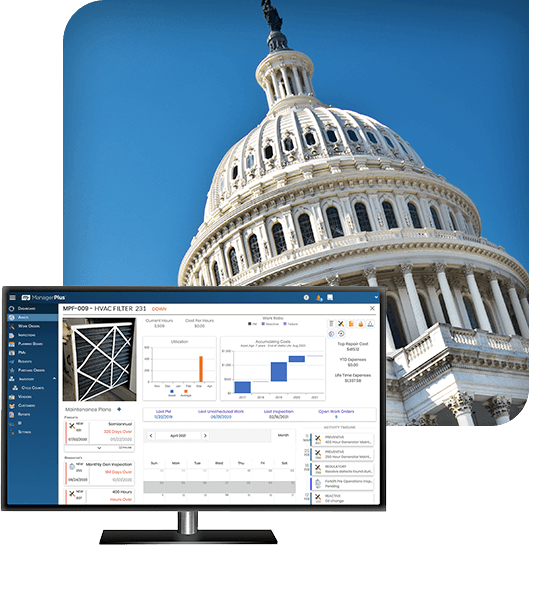
Include images and custom data for all of your managed assets.

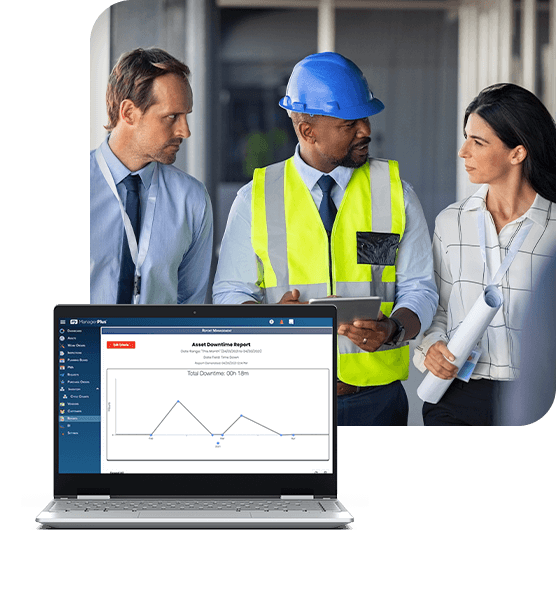
Error Monitoring

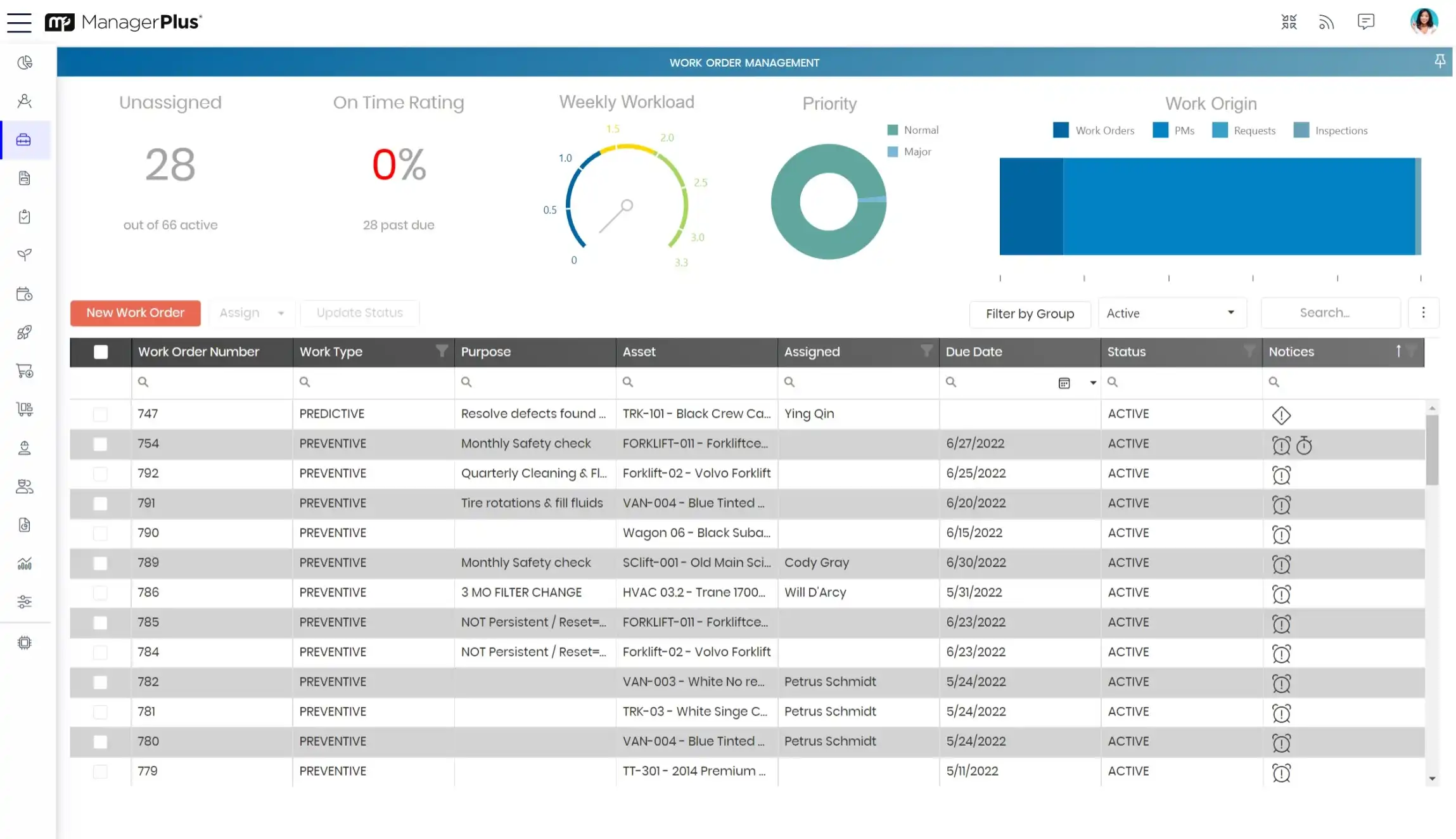
Work Orders
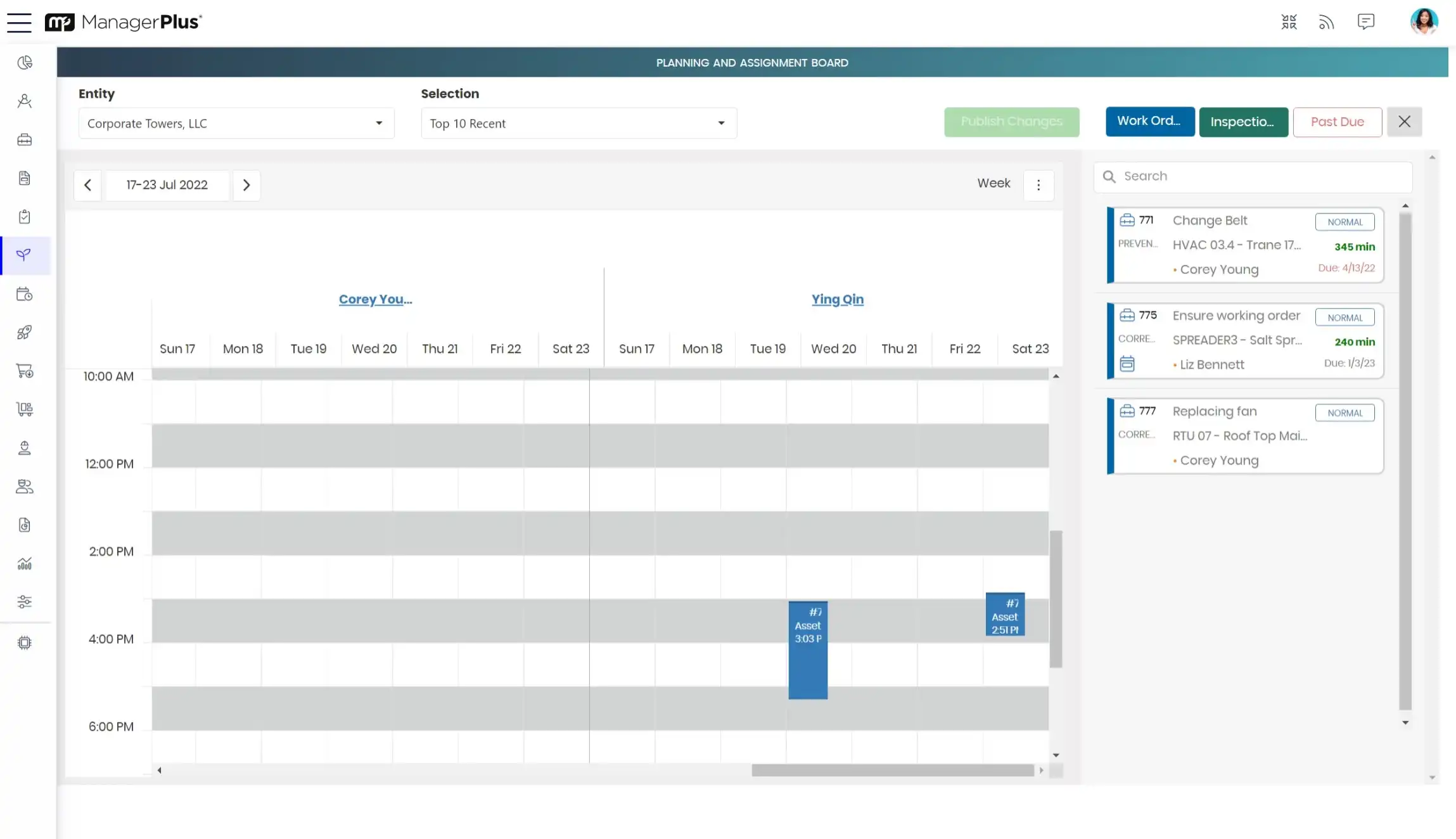
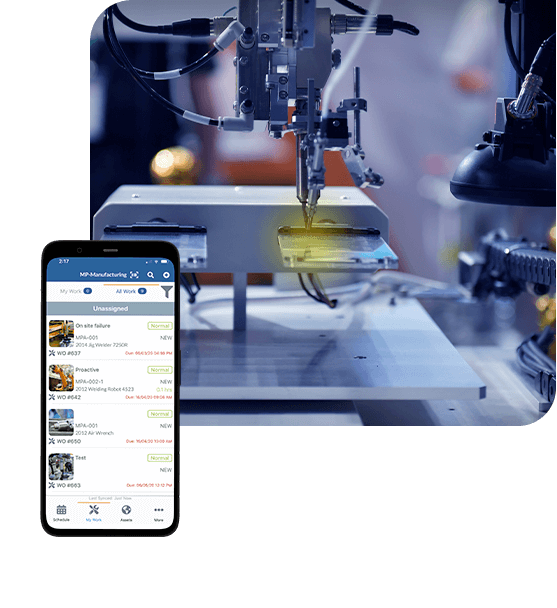
View the status and details of your work orders. Creating new work orders is as easy as copying a few clicks of a button.

Schedules

Inventory
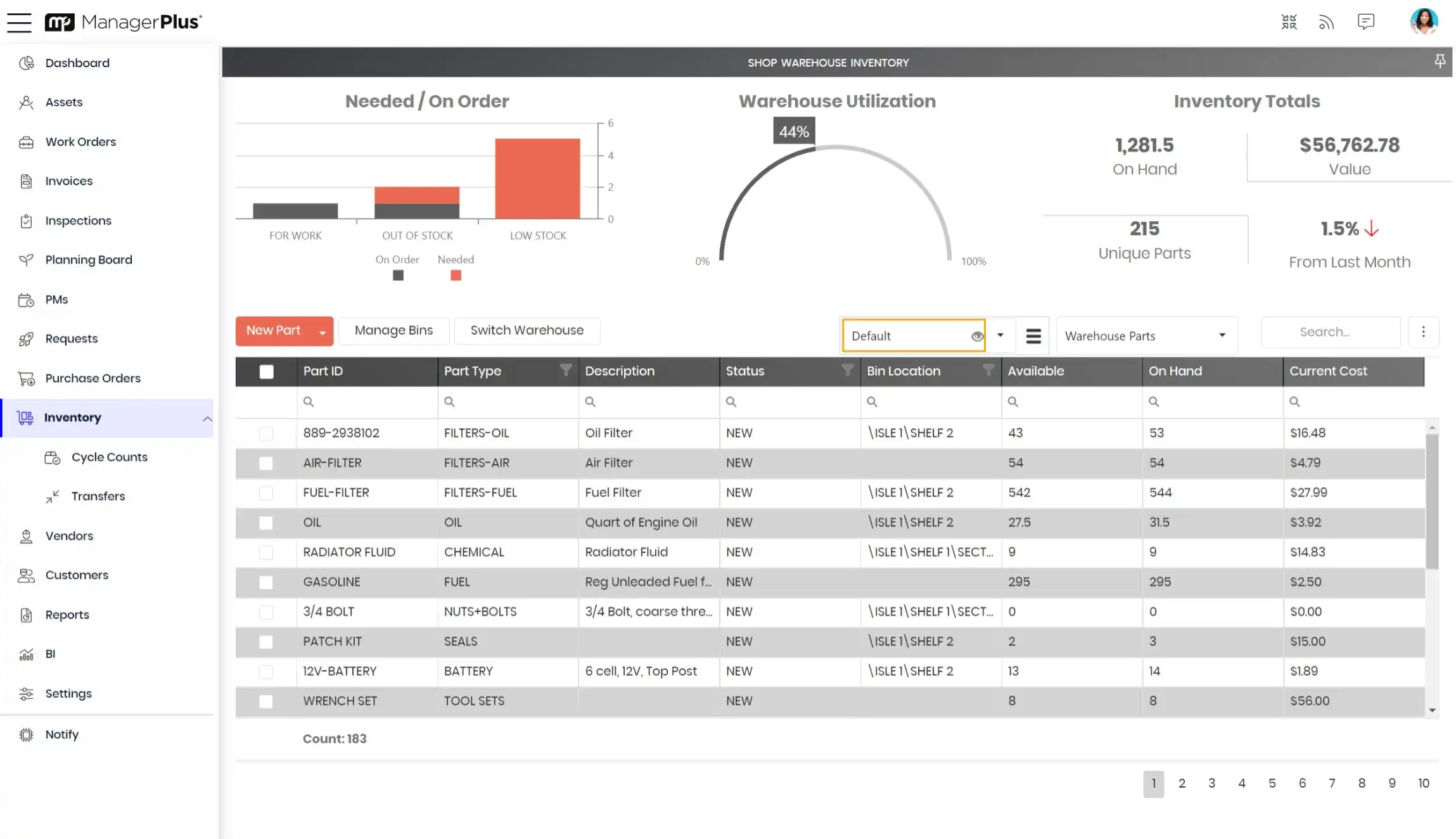
Track quanities, parts usage, and stock on hand with inventory management.

Schedules

Intuitive Interface

Asset List

Asset Details

Work Orders

Inventory


Take a closer look — let us give you a guided tour.

start screen
status view
asset details
work orders
work details
 

With ManagerPlus Pro you can:


The Pro Solution

ManagerPlus Pro offers a single-location shop a great way to begin effectively manage assets — for a very affordable price.


ManagerPlus Pro Features

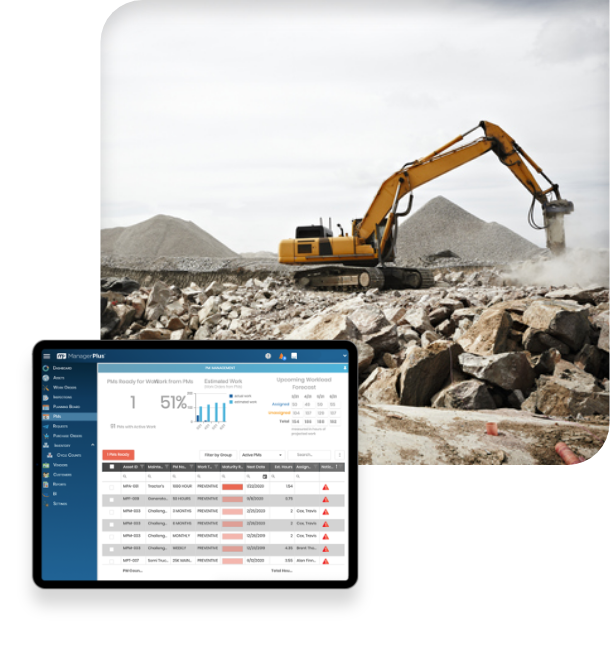
ManagerPlus Pro has a host of features and powerful capabilities that will give you new insight to your maintenance management process.

  • asset details (one screen view for full profile including costs, make, module, sub assets, etc.)
  • customizable asset lists (configure the way you view your assets/equipment)
  • configurable asset categories (identify your company’s assets by category)
  • asset photos (attached photos to each asset, unlimited in MyManagerPlus and Enterprise)
  • document attachments (all file types supported)
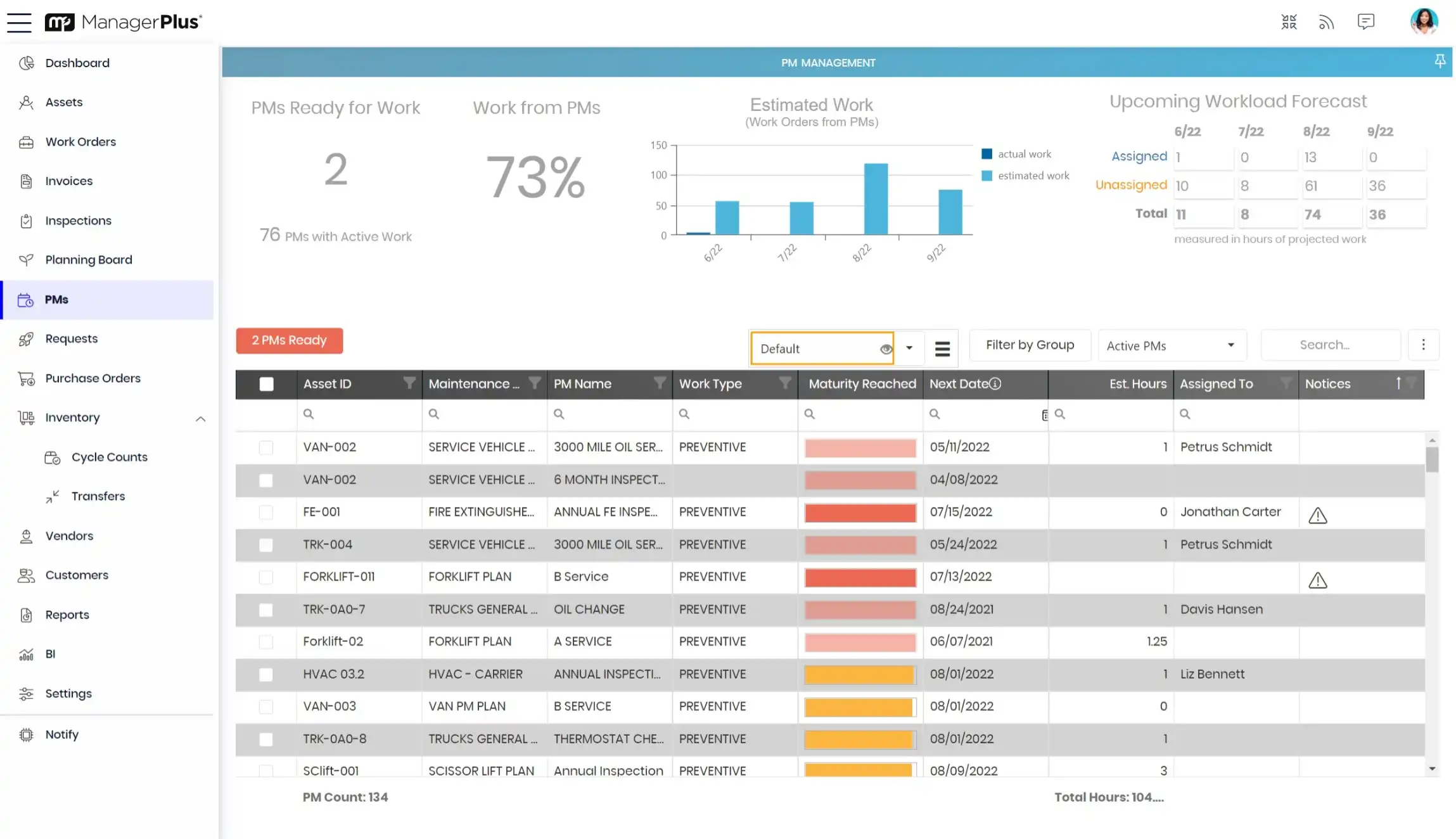
  • preventative maintenance scheduling
  • meter tracking by types (e.g. hours, cycles, miles, fuel, etc. (unlimited custom meters in MyManagerPlus and Enterprise))
  • parts linking (link parts to assets)
  • asset depreciation (straight-line)
  • asset tracking (check-in/out tools and assets assign to employees and by location, see optional modules)
  • work order details (one screen view: notes, parts, labor, etc.)
  • printable file attachments (all file types supported)
  • work codes (e.g. electrical, preventive, emergency, inspections, etc.)
  • submit, track and approve work requests (see optional modules)
  • multiple work order completion
  • configurable workflow (create status types: parts pending, work on hold, etc.)
  • service items (check off services items, quick and easy entry and reportable)
  • work order/preventative maintenance forecasting
  • actual vs. estimated hours/cost display
  • inventory details (one screen view for full part profile including part usage detail)
  • part stocking levels (insufficient part quantity reminders)
  • file attachments (all file types supported)
  • alternate parts
  • non-stock inventory
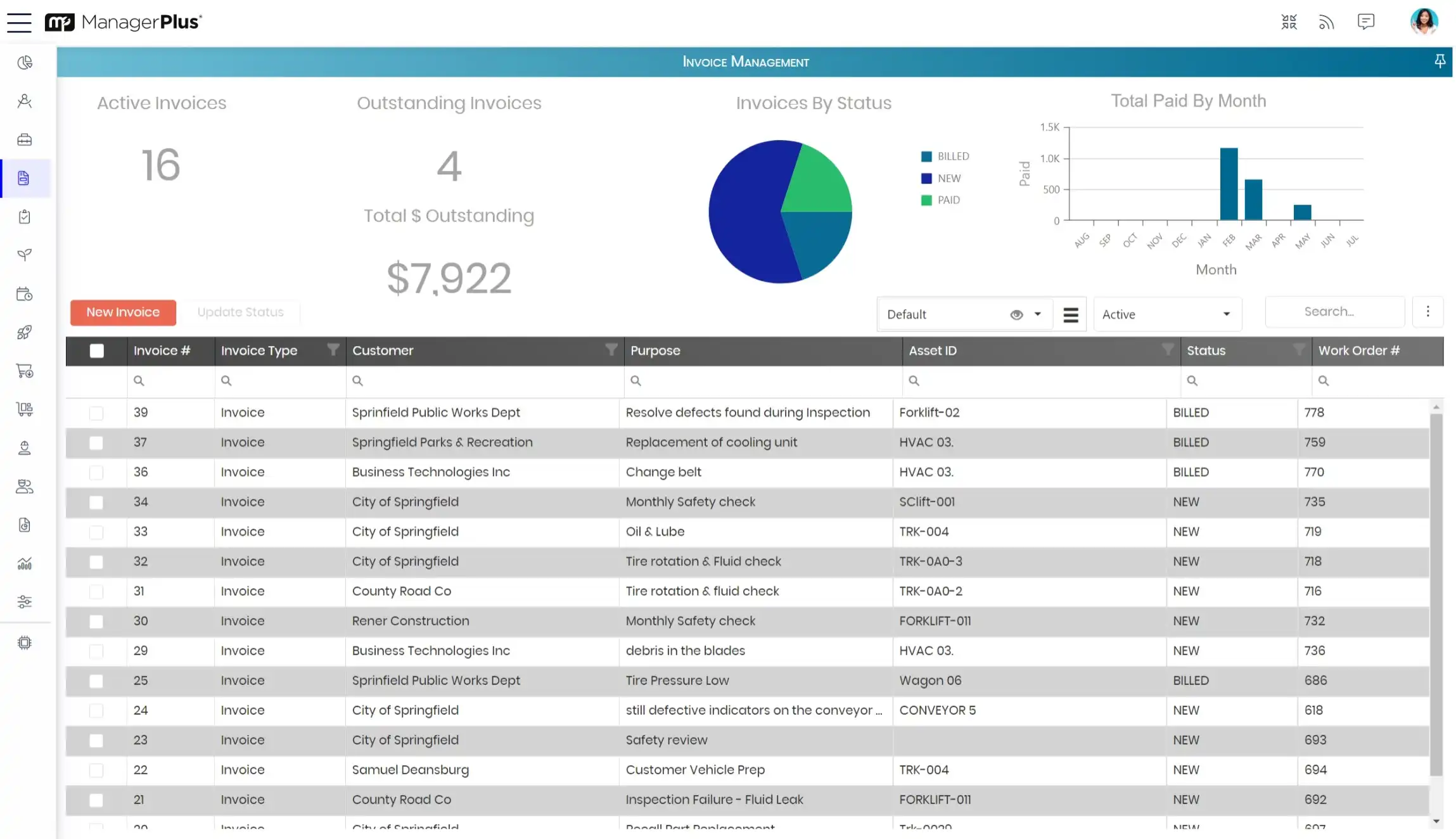
  • purchase order details (one screen view for all PO information)
  • suggested PO’s based on stocking levels
  • parts backorder options
  • system generated PO numbers
  • Internal PO numbers
  • line item budget assignment (e.g. cost codes, GL accounts, etc.)
  • standard reporting (e.g. work details, cost history, asset summary, etc.)
  • favorites search criteria
  • print or export to Excel, PDF, CSV and Word
  • dashboard graph reports (see optional modules)
  • customized to your industry
  • industry renowned user interface
  • Microsoft SQL database
  • security (Enterprise and MyMangerPlus are role-based security)
  • configurable list views
  • create and save favorite search criteria
  • budget and expense tracking
  • spell check
  • employee tracking (full profile information: name, email, phone #, etc.)
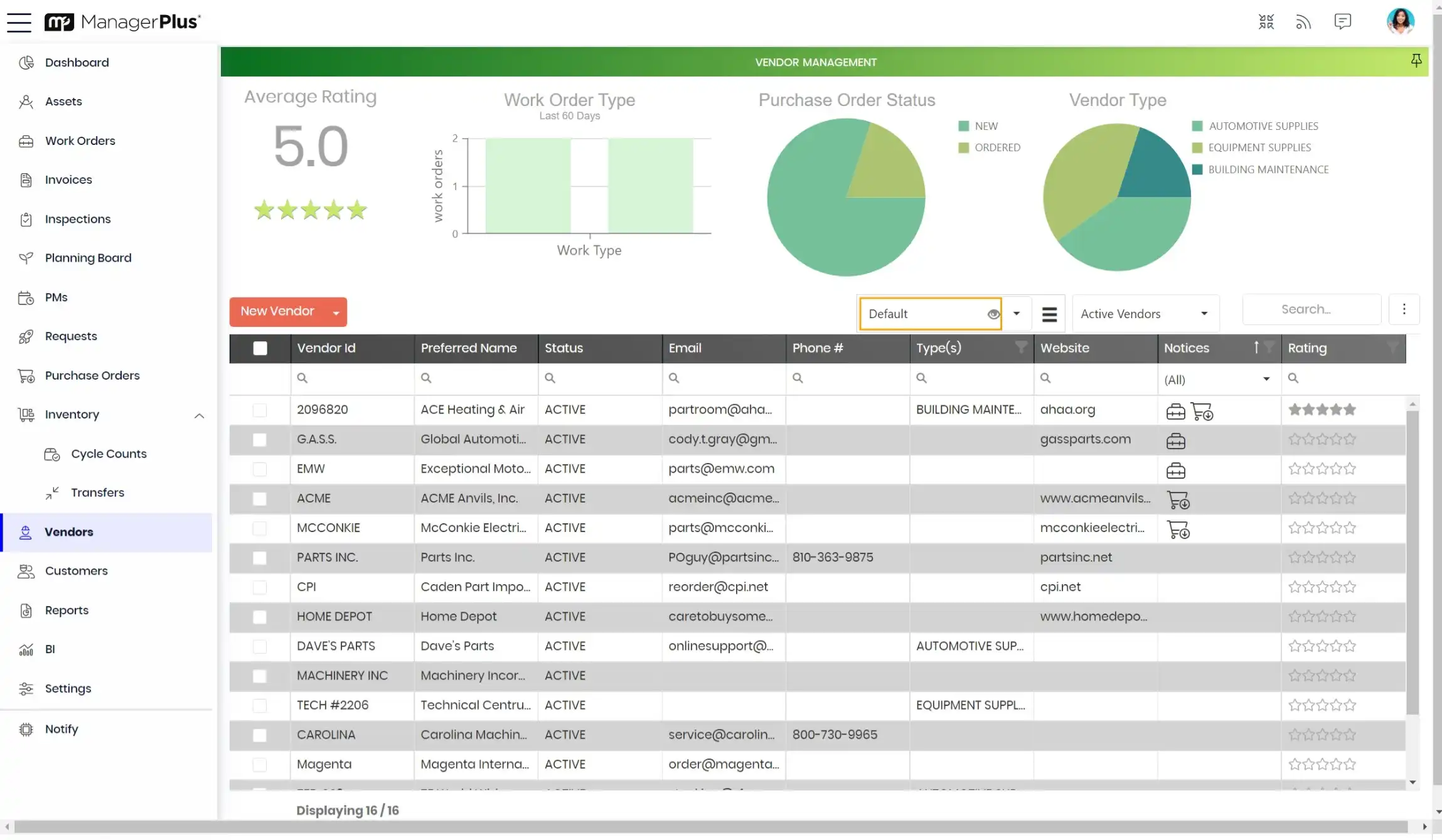
  • vendor tracking (full profile information: name, email, phone #, etc.)
  • customer tracking (full profile information: name, email, phone #, etc.)
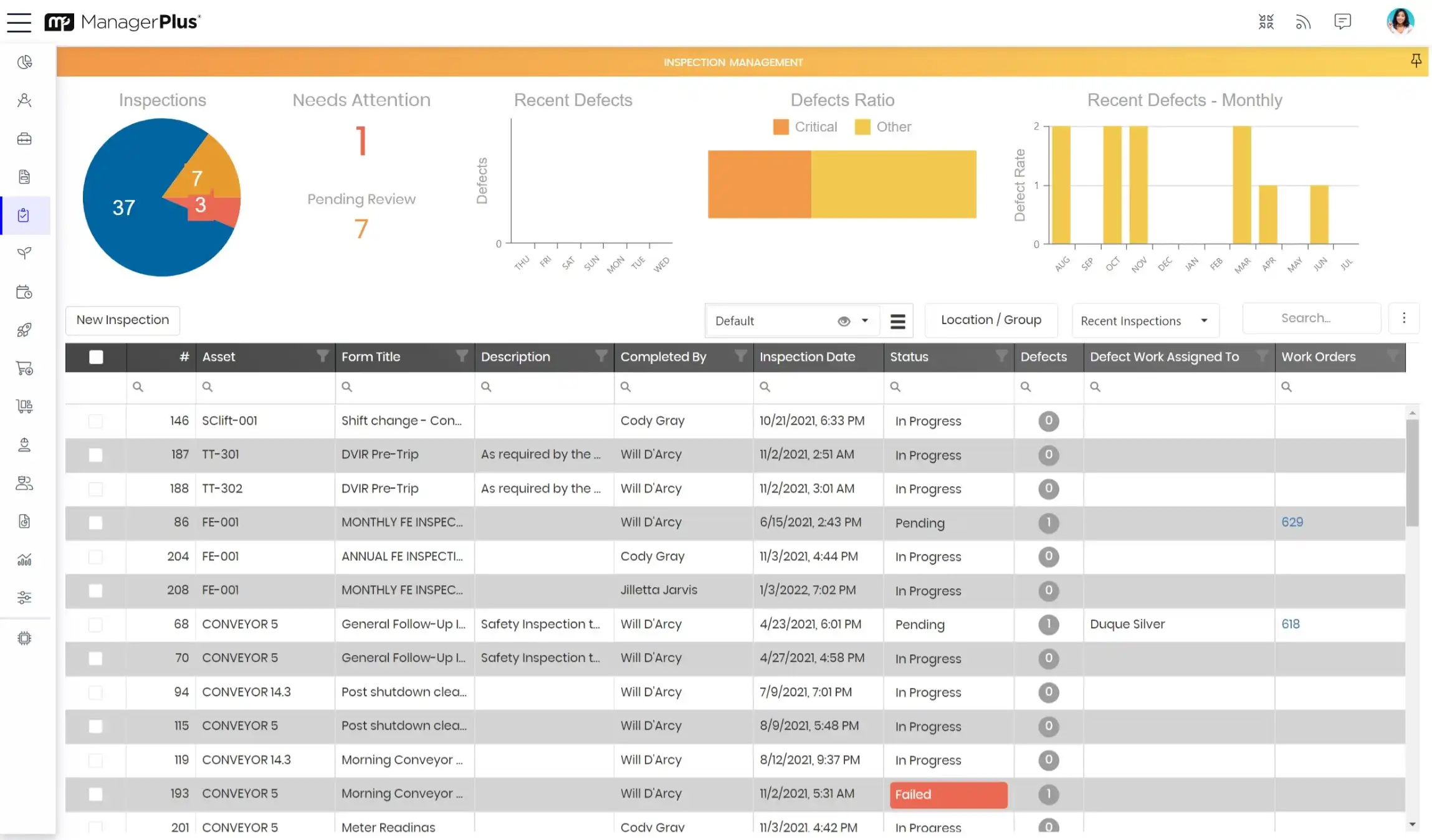
  • employee certifications
  • work order requests module/EasyLinks (create + submit work requests)
  • meter tracking module (pull meters such as miles, hours, fuel, etc. from 3rd-party applications)
  • asset tracking module (check in/out + assign assets to an individual and location)
  • dashboard module (see specific reports in graph formats: bar, line, pie, etc.)
  • automated alerts module (automated email reminders, text messages + setup automatic reporting)

Want to see how ManagerPlus Enterprise compares to our other products?
View our Features Overview Chart.


Support When You Need It

Plus, if you ever need help, your active Service Agreement ensures you'll always have access to the answers you need—quickly — and access to the most up-to-date versions, updates and additions. We also offer a host of valuable training options so you can bring your personnel up-to-speed quickly.


ManagerPlus is a powerful asset management tool. Its greatest power is the positive impact it will have on your overall operational efficiency. And profitability.

 
Providing asset management to 10,000+ customers for over 20 years
  • view_a_demo
  • request_a_quote
  • video introduction
  • contact_us
ManagerPlus University

M+ Seminars

Enterprise Training

LAS VEGAS | June 25-26th

Enterprise Customers, join us at the Red Rock Resort for two days of training.
Learn more.

PRO Training

LAS VEGAS | June 27-28th

PRO Customers, join us at the Red Rock Resort for two days of training.
Learn more.